




College des Soeurs des Saints Coeurs - Batroun
This aid project started in May 2023 is still ongoing: 
Scroll through the text for the latest update on the progress.
If you would also like to help, please donate your contribution manually to bank account number:
SWIFT-/BIC-code: ABNANL2A If your system asks for it, add 'XXX' to an 8-digit code (e.g. ABNANL2AXXX).
NL71 ABNA 0118 7463 91 payable to Stichting VVL, veteranen voor Libanon
Update September 2026
By Bart Timmermans
The last visit to SSCC Batroun dates back to November 2025, the situation has unfortunately not improved in the meantime, the travel advice from the Ministry of Foreign Affairs remains dark red: do not travel if not absolutely necessary. Grinding our teeth, we have to wait and our project is delayed. Some adjustments/expansions simply cannot be realized remotely.
What has been taken up and implemented by Mariette (IT) and Gaby (building management) in the meantime?
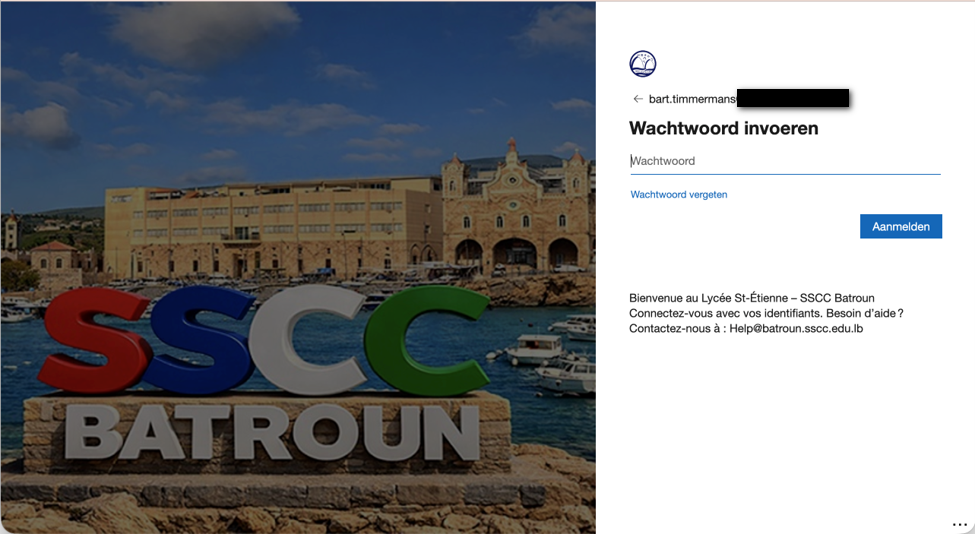
Image: The login screen for SSCC Batroun employees
Microsoft Office 365:
A big wish of Sister Aline was to use Microsoft 365. The violence that was rampant in the south brought remote learning very close again. It can be done with Zoom, but those sessions can only last a maximum of 1 hour in the free version. This is not practical and disruptive while teaching.
Microsoft 365 Education is available for free to schools. After some discussion (others had said that this had to be paid for) and thorough preliminary research and contact with Microsoft, the application finally started. There were several barriers at Microsoft, including all kinds of documents that showed that it was an accredited school by the Lebanese government. These had to be uploaded. Several documents were in Arabic and Microsoft US had problems with that (doesn't the whole world speak English?).
In the end, the request was approved and Mariette and I could start the initial configuration. Adjusting DNS settings at the Lebanese Registar and not unimportant, converting email accounts. There was no easy migration process here, so users had to back up their old email and import it into MS Outlook later. This was successful.
Wifi network:
The roll-out of the first Aruba Wi-Fi Access Points supplied by us has also been adequately handled by Mariette and Gaby. Gaby has taken care of most of the physical work. In total, about 15 Access Points have now been installed at the most important places in the school and connected to the new HPE Aruba network switches. Compliments to Mariette and Gaby for making this happen.
Then the first SSIDs (Service Set Identifier) go into the air. Not yet with the desired username/password functionality because underlying authorization systems are not yet available. Nevertheless, we want to make Wi-Fi available to the first group of users who desperately need it for education.
All APs 'seem' to work on Gigabit (1000 Mb/1Gbps) because the physical connection (read network cable) between Access Point and new HPE PoE switch is Gigabit. But if the connection from the HPE switch to the next old TP link switch turns out to be only 100 Mb, this reduces the speed across the entire network back to 100 Mb.
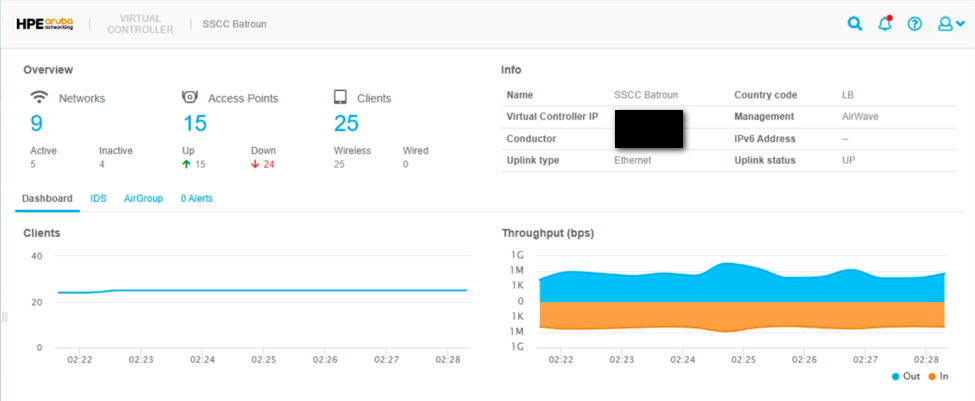
Image of administrators wifi dashboard
Internet connection:
The existing ADSL connection is constantly unstable and bandwidth is too low. During a previous, multi-day outage of this connection, a positive experience has already been gained with another, commercial provider. It is decided to switch. This happens fairly spontaneously, which means that it is overlooked that other IP addresses are used as a result. In combination with fixed IP settings on all kinds of equipment and a lack of administration thereof, IP conflicts occur in no time.
Remote interference finding becomes very challenging because the connection regularly drops and Mariette has to switch from wifi to Hotspot, etc, etc. Old MikroTik equipment that cannot be removed yet also disrupts things quite a bit on the wired network.
Eventually, with a lot of time and patience, we get everything working again step by step. Everything on DHCP so that IP conflicts are (hopefully) a thing of the past.
The current situation - a lot of equipment that is connected one after the other - must disappear. All equipment, computers, printers, Access Points, etc. must have their own connection to a centrally placed network switch so that the susceptibility to interference is greatly reduced. Necessary equipment and cabling are now on their way. Plans have been made with local support from us. So that will have to wait a while before it is safe to travel again.
First visit to Project November 2025
After two and a half years, the travel advisory was lowered from red to orange, and it was finally safe to travel to Lebanon again. SSCC Batroun was on my list of places to visit this time, after I had already contacted them via Teams earlier this year.
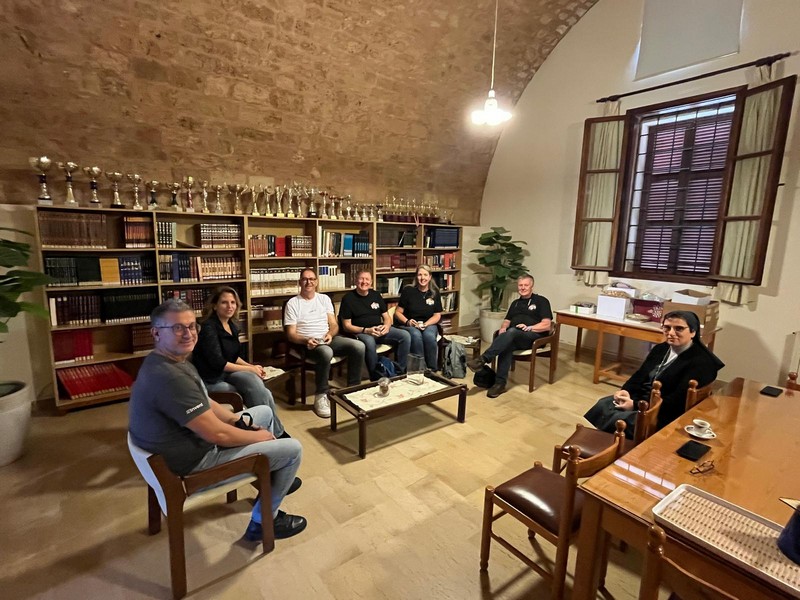
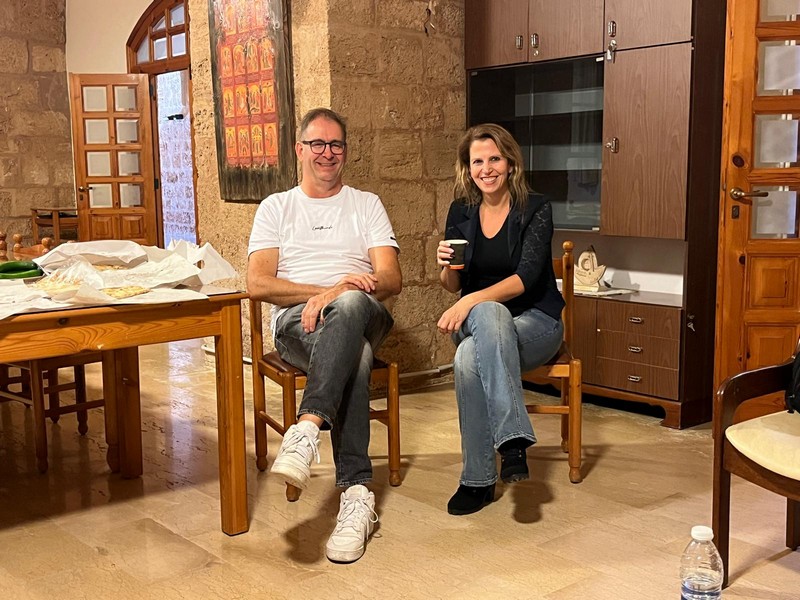
The first meeting was with Sister Aline, Mariette and head TD Gaby, among others. Bart is with Mariette, who is the school's IT specialist.
On Wednesday 19 November 2025, Sister Aline, Mariette Tanous (IT) and Gaby Moufarrej (building management and maintenance) welcomed us together with Bert, Jeannet, Charles and Georges.
After a friendly chat to welcome us, we took a tour of the school. This gave us a good impression of the building, the infrastructure and the challenges. The part of the school that's by the sea, on the ground and first floors, is more than 100 years old and has a fantastic architectural style. This makes it tricky to install cabling without changing the look.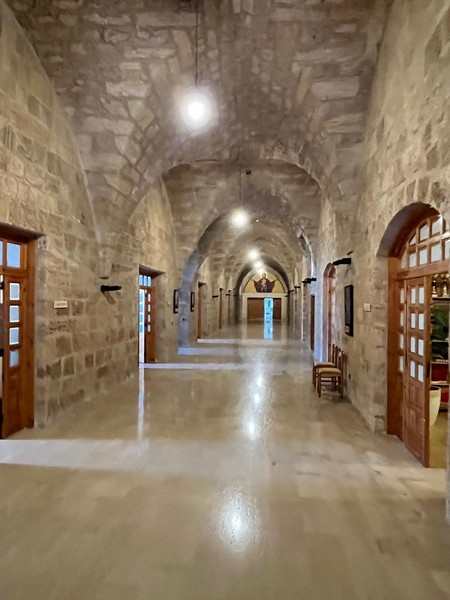
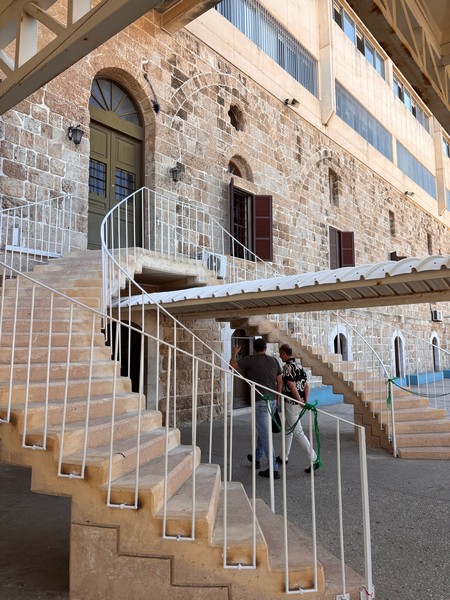
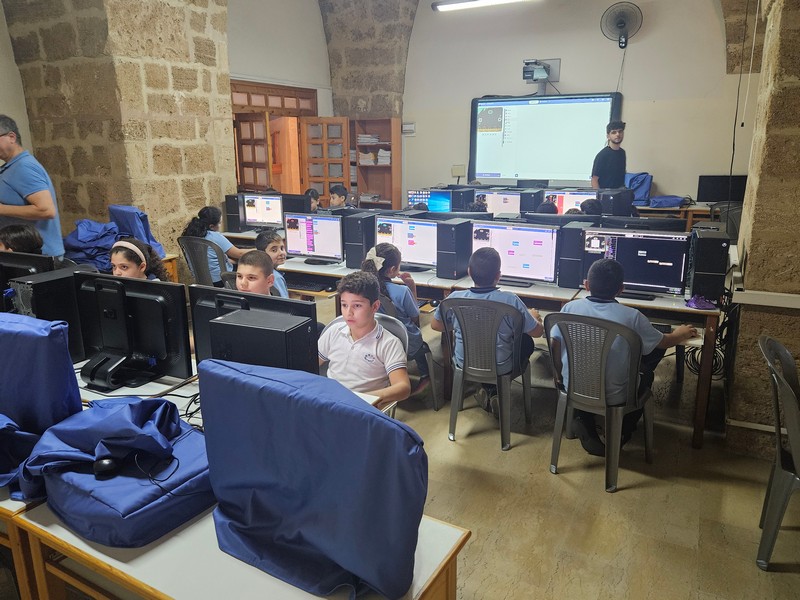
On the morning tour of the building, it quickly became clear that Gaby had done his best last summer to hide the network cables. The whole thing looked very neat and tidy. The old part of the school has very thick walls, which makes it hard to get Wi-Fi. There are also three computer rooms, which look well maintained. Computers and laptops are covered with cloths when not in use.
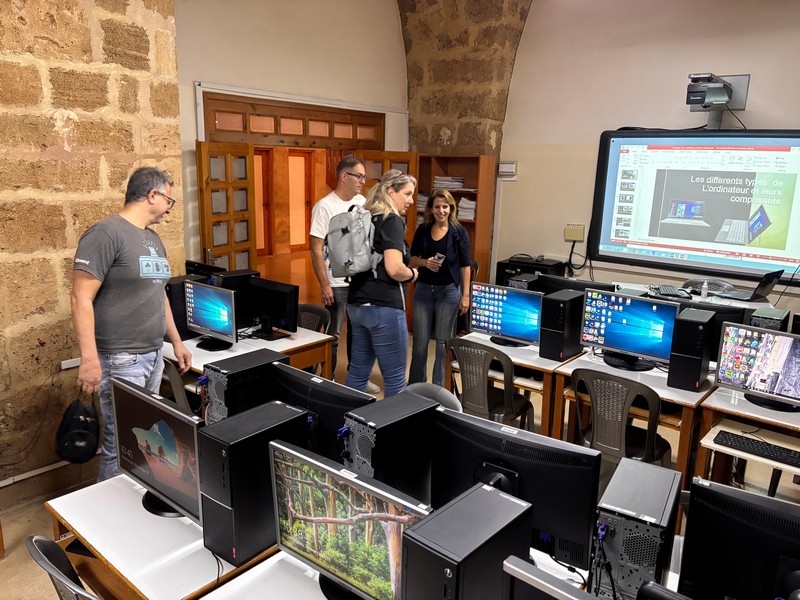
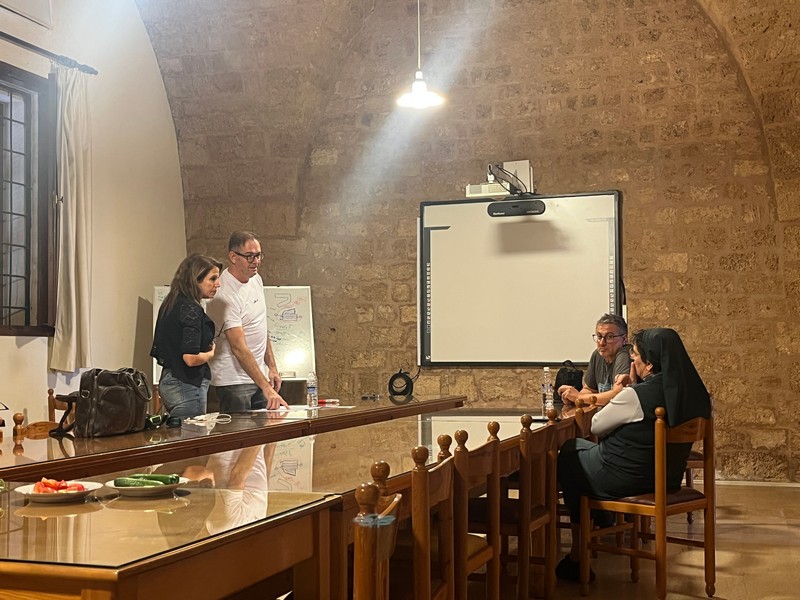
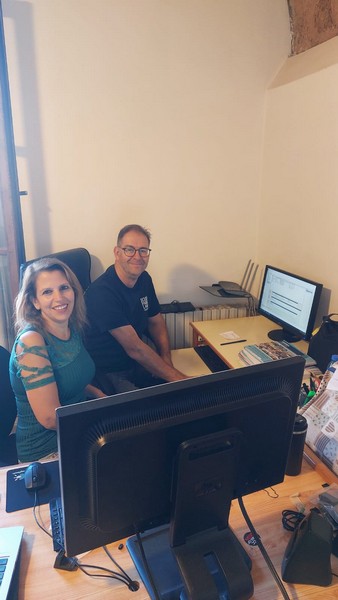
After the tour, we are offered a delicious lunch. Bert, Jeannet and Charles then start to make plans for the first floor, as the original drawings are not available.
I start with a session on a whiteboard with Sister Aline, Mariette and Gaby, which is very informative. The challenges are also discussed.

When I zoom in on the network, I see that it's very easily interfered with, with lots of connections linked together. Moving between different access points and back to a single access point with multiple ports, which again "extends" the connection to more distant systems such as PCs, printers, and access points. Put simply, too many devices are connected one after the other. If something goes wrong at the front of the chain (it could be as simple as disconnecting a network cable), the rest of the chain is immediately affected, meaning no more connection.
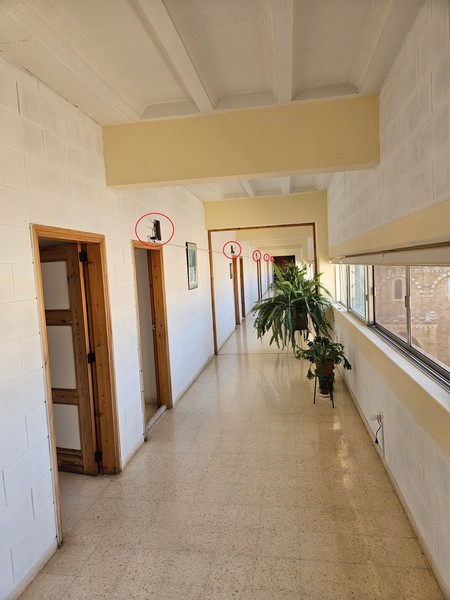 Wifi routers connected one after the other, one per room because of thick walls
A lot of the equipment uses 100Mb instead of Gigabit speeds, which isn't good for the speed of the local network. To solve this problem, we would need to install new cables throughout the building. This would allow each device to connect directly to a network switch that we would install in a central location. If there's a problem with the cable, only the device that's connected will be affected, and everything else can still work.
The current network server, a Dell EMC PowerEdge, is still working fine. It already has two SSD drives (in mirror setup) and 16 GB of memory. We just want to upgrade the operating system, Windows Server 2016 Essentials, to Windows 2022 Server Standard. The upgrade is difficult because we want to change the size of the partition, and we have to do other things as well. We decided to back up the data and reinstall the machine with the new software. We also add two 4TB hard drives, which are set up in a mirror configuration. This means that if the hard drive stops working, the system will still be able to run and you won't lose any data. This server will be the new domain controller for the network in Batroun.
We can use a 19-inch rack that is already at the top of the building as a central location for managed switches in the future.

We already use fibre optic connections at two places in the school to cover longer distances (>100 metres). We can definitely use these in the future to connect network switches at gigabit speed.
The school's internet connection is an ADSL connection. This connection is not stable and has limited bandwidth. The current internet speed is only 20 megabits per second for downloading and 5 megabits per second for uploading, which is very slow for a school. We've already done a test with a different internet provider that uses fibre optics. There is a chance that a switch will be made soon.
The current internet connection is managed by a commercial company, and we do not yet have access to it. This means we do not have a clear picture of how everything is configured. The MicroTek router might do firewall functions, but it's not clear.
The school would like to have a good network server so that data can be stored and shared in one place. They would also like to start working with user accounts. There is not enough time to set this up straight away. I'll set up the rest remotely later with Mariette.
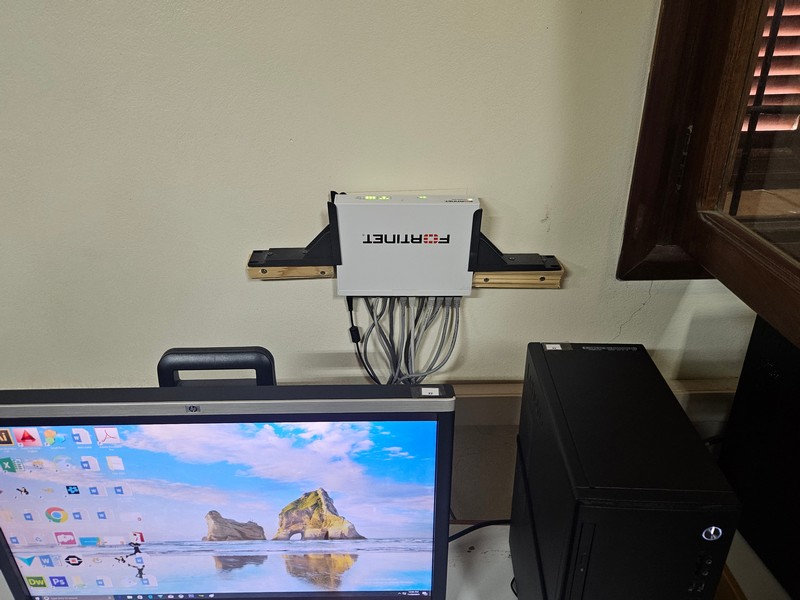
We had already sent a FortiGate firewall to this school in a previous delivery of equipment. At first, we couldn't find it, but it turned out to have been used as a network switch. Surprisingly, it still worked well with the settings that came with it. Unfortunately, we were not yet able to use this firewall.
After explaining how the new Aruba WiFi access points work, the first ones were put into use.
In the last few days, we have talked about lots of problems and fixed a few network issues. Most importantly, we have talked about what to do next. The internet connection, the problems with the physical cabling and where the managed network switches are placed in the building are particularly important. There's plenty to think about and decide what to do next.
On Friday afternoon, Bert, Jeannet, Charles and George come to pick me up again. After saying goodbye, we head for Byblos.
If you would also like to help, please donate your contribution manually to bank account number:
SWIFT-/BIC-code: ABNANL2A If your system asks for it, add 'XXX' to an 8-digit code (e.g. ABNANL2AXXX).
NL71 ABNA 0118 7463 91 payable to Stichting VVL, veteranen voor Libanon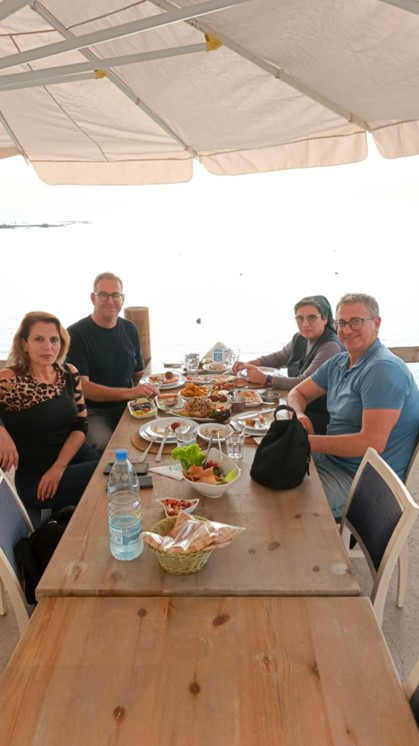
Team Batroun – Sr Aline, Mariette, Gaby en Bart
Written by Bart Timmermans.